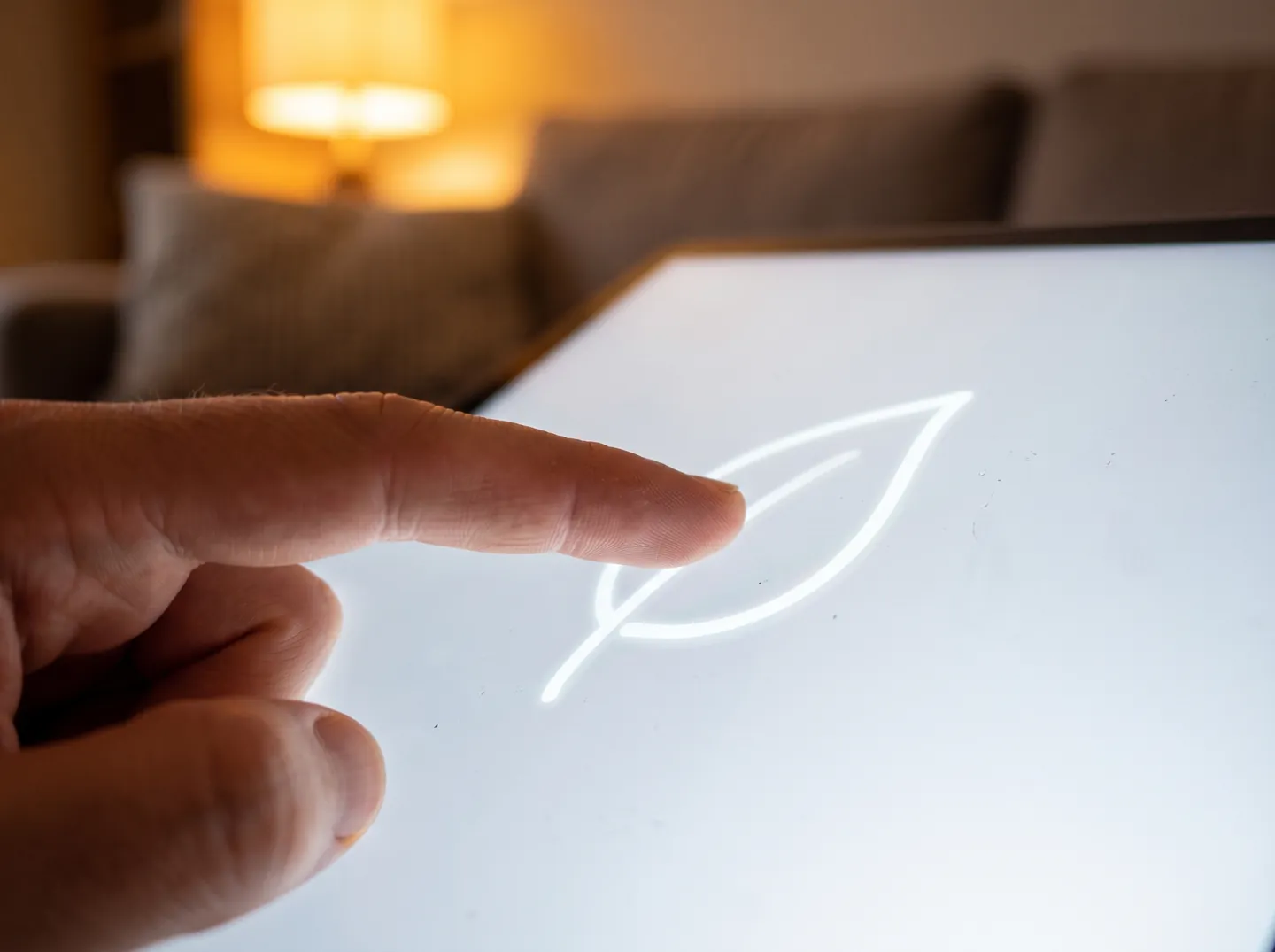
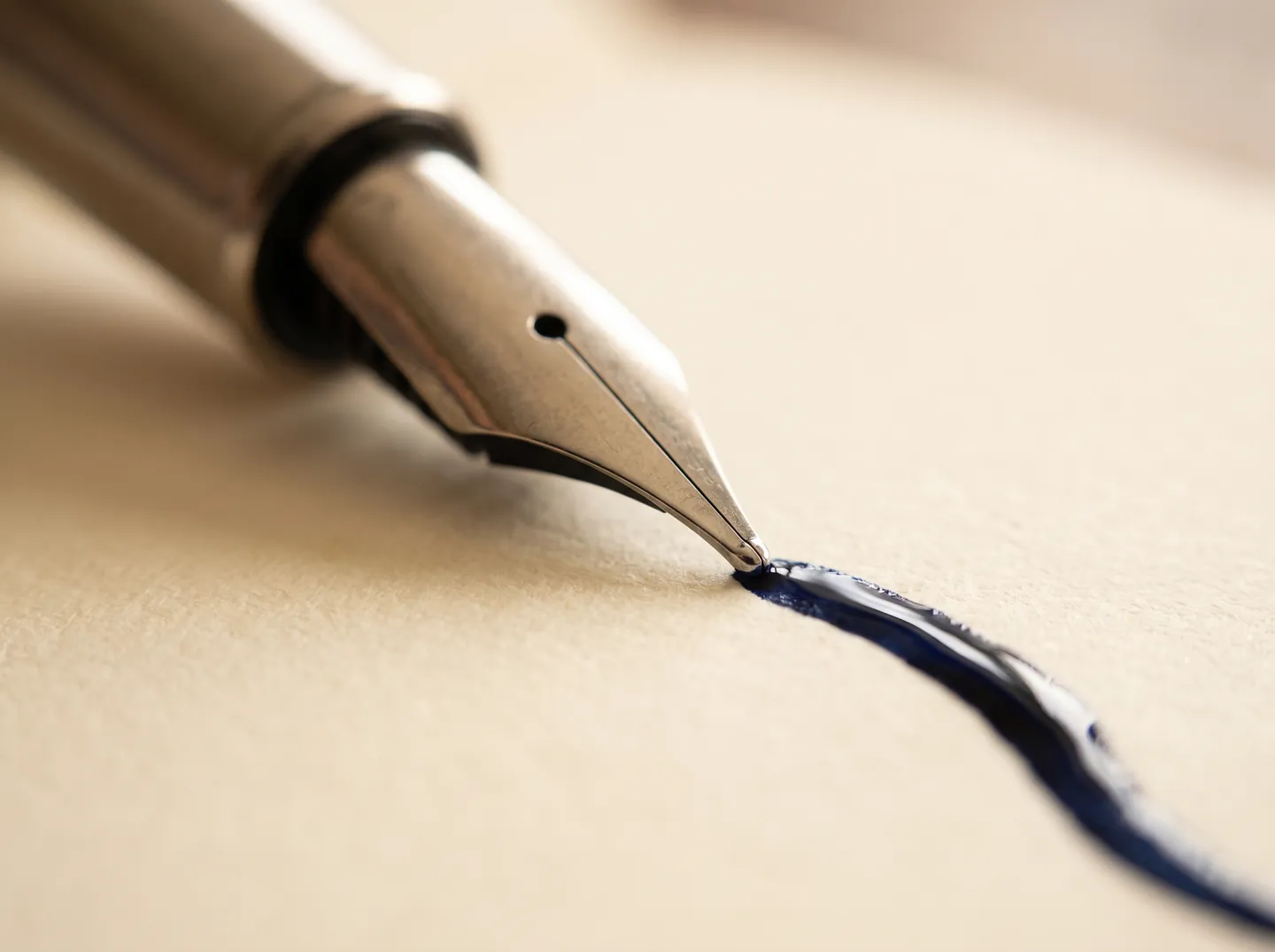
When you draw on a phone or tablet, each point of your stroke is sampled, processed, rendered and shown before you see it. Researchers have measured how much of that delay people can spot, and the answer depends on what you are doing.
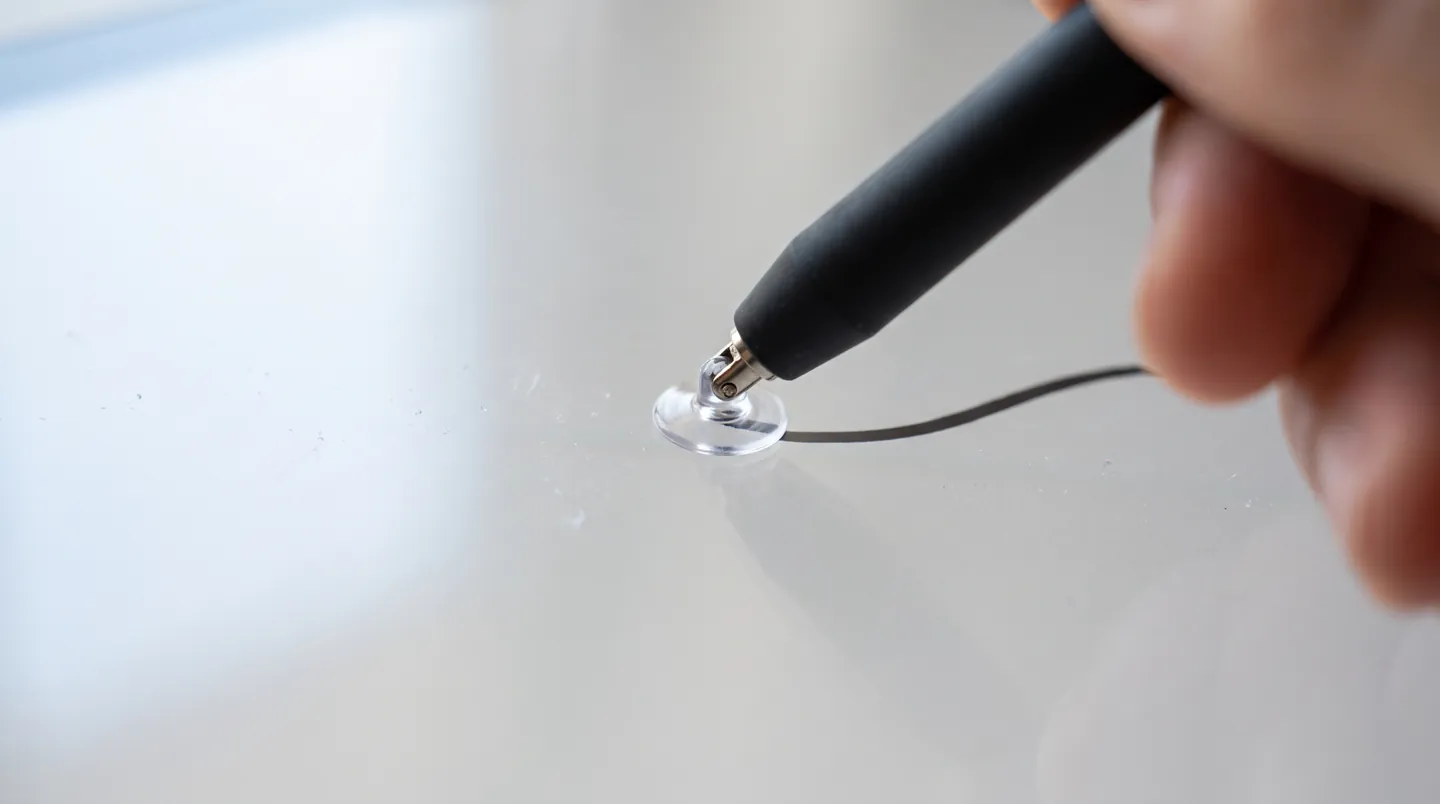
AI-generated image, not a photograph of a real person or place.
Sample, process, show
Dragging shows lag most
Prediction draws ahead
Less lag, cleaner strokes
THE SHORT ANSWER
Every stroke takes a journey.
The delay is built from many small steps. People notice it more in some tasks than others.
THE PIPELINE
Many small waits
Each point passes through sampling, filtering, the operating system, the app and the display. A 2014 study says every step in this pipeline adds to the delay.
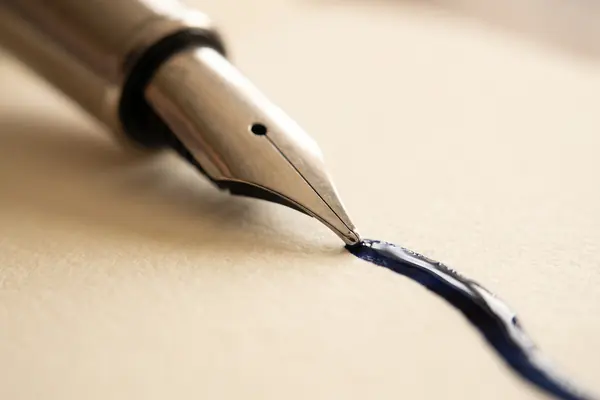
With pen and paper, ink flows from the nib onto the page, so the delay is essentially zero. A 2014 study put most commercial tablets at 65 to 120 ms from stylus to ink.
Pick a task. The value is the delay people in lab studies could just tell apart from a near-instant baseline; the bar shows how sensitive people were.
From psychophysics studies using a special low-latency stylus system (Ng et al., CHI 2014; Annett et al., Graphics Interface 2014). Small groups, primed to look for lag.
TWO NUMBERS WORTH KNOWING
Devices lag more than we notice.
One figure on how slow devices were, one on what people notice while inking.
65–120 ms
Typical end-to-end delay, stylus to ink
The 2014 study put commercial end-to-end latency for styluses at 65 to 120 ms, similar to touchscreens. It noted stylus digitisers sampling at about 100 Hz, displays at 60 Hz and apps often at 30 Hz.
DEVICES · CHI 2014
≈ 53 ms
Median lag people noticed while writing and drawing
Across line drawing, writing a word and drawing a star, the median noticeable latency was 53 ms. The CHI 2014 authors had suggested about 40 ms as a target for stylus inking, rather than the 10 ms proposed for touch.
INKING · GI 2014
These lab thresholds were measured with people told to look for lag. The authors expect the noticeable delay to be higher in real use, when attention is on the drawing itself.
FOUR WAYS TO SMOOTHER LINES
Less waiting, more drawing.
You cannot remove the pipeline, but you can pick tools and settings that shorten it or hide it.
Use a stylus for fine work
Styluses harness fine motor control and give more precision and accuracy than a finger, which helps with small details and handwriting.
Try a higher refresh setting
Low display frame rates add delay at the end of the pipeline. One frame at 60 Hz lasts about 16.7 ms, so a faster setting, where offered, can shave time.
Prefer apps that draw ahead
Stroke prediction pre-renders where the pen is heading, then corrects. Web browsers now offer predicted pointer positions so drawing apps can do this.
Judge by the stroke
Researchers suggest a few extra milliseconds can be worth it if strokes look more natural, since people notice lag less while concentrating on writing or drawing.
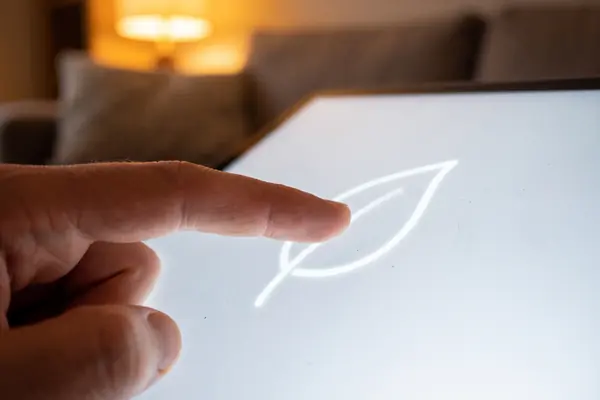
AI-generated image, not a photograph of a real person or place.AI-generated image, not a photograph of a real person or place.
SMOOTH CURVES
Every point counts.
To save work, browsers often merge several pointer position updates into a single movement event. That helps performance but loses detail and accuracy on fast, large movements, so quick curves can look jagged.
Drawing apps can ask for all the merged points to build smoother curves that better match the movement, and for predicted points to draw slightly ahead of the nib and reduce the lag you perceive.
Questions
Questions people ask
Why does digital ink trail behind my stylus?
Each point passes through sampling, filtering, the operating system, the app and the display before it appears. Every step adds a little delay, and the steps are not usually synchronised.
How much delay can people notice?
It depends on the task. In lab studies people noticed about 2 to 6 ms while dragging a box, but around 40 to 53 ms while scribbling, writing or drawing.
Is a stylus better than a finger for drawing?
For precision, yes: styluses offer more precision and accuracy than a finger. Researchers also think the small nib, which hides less of the screen, makes lag easier to see.
What is stroke prediction?
Software estimates where the pen is heading from past points, speed and direction, and draws ahead. Web browsers expose these estimated positions to drawing apps.
Why do fast curves sometimes look jagged?
Browsers often merge several position updates into one event to save work, which loses detail on fast, large movements. Drawing apps can request the merged points to keep curves smooth.